Product
Resources
Product
Resources
Thanks for downloading the notetaker
Your download will begin automatically. Problems? Contact us via our Help Center or try downloading manually
Step 1
Step 1
Open Supernormal.dmg from your Downloads folder

Step 2
Step 2
Drag the Supernormal app icon into your Applications folder

Step 3
Step 3
Double click the Supernormal app in your Applications folder

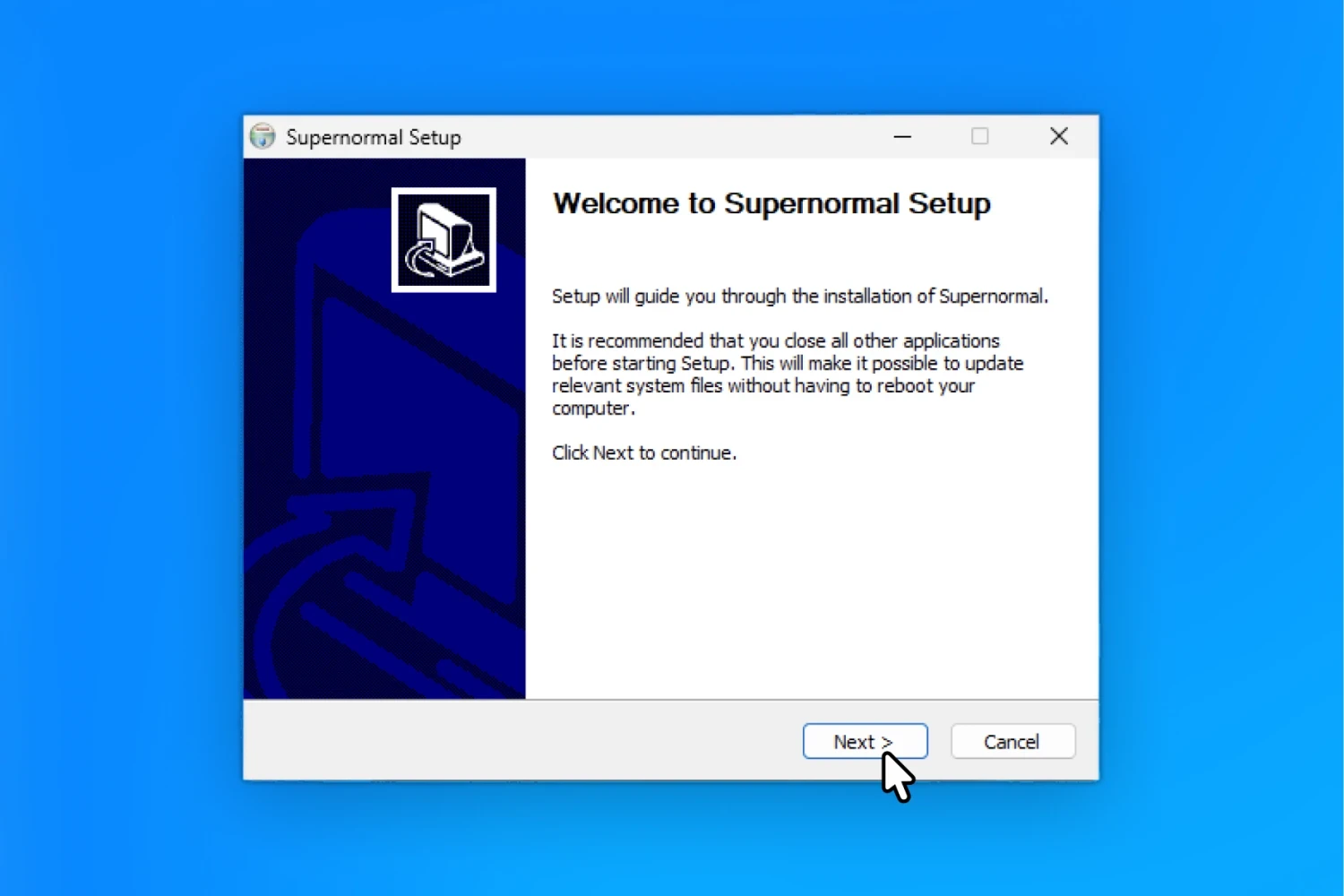
Step 1
Step 1
Open Supernormal-setup.exe from your Downloads folder

Step 2
Step 2
Follow the installer prompts to install Supernormal
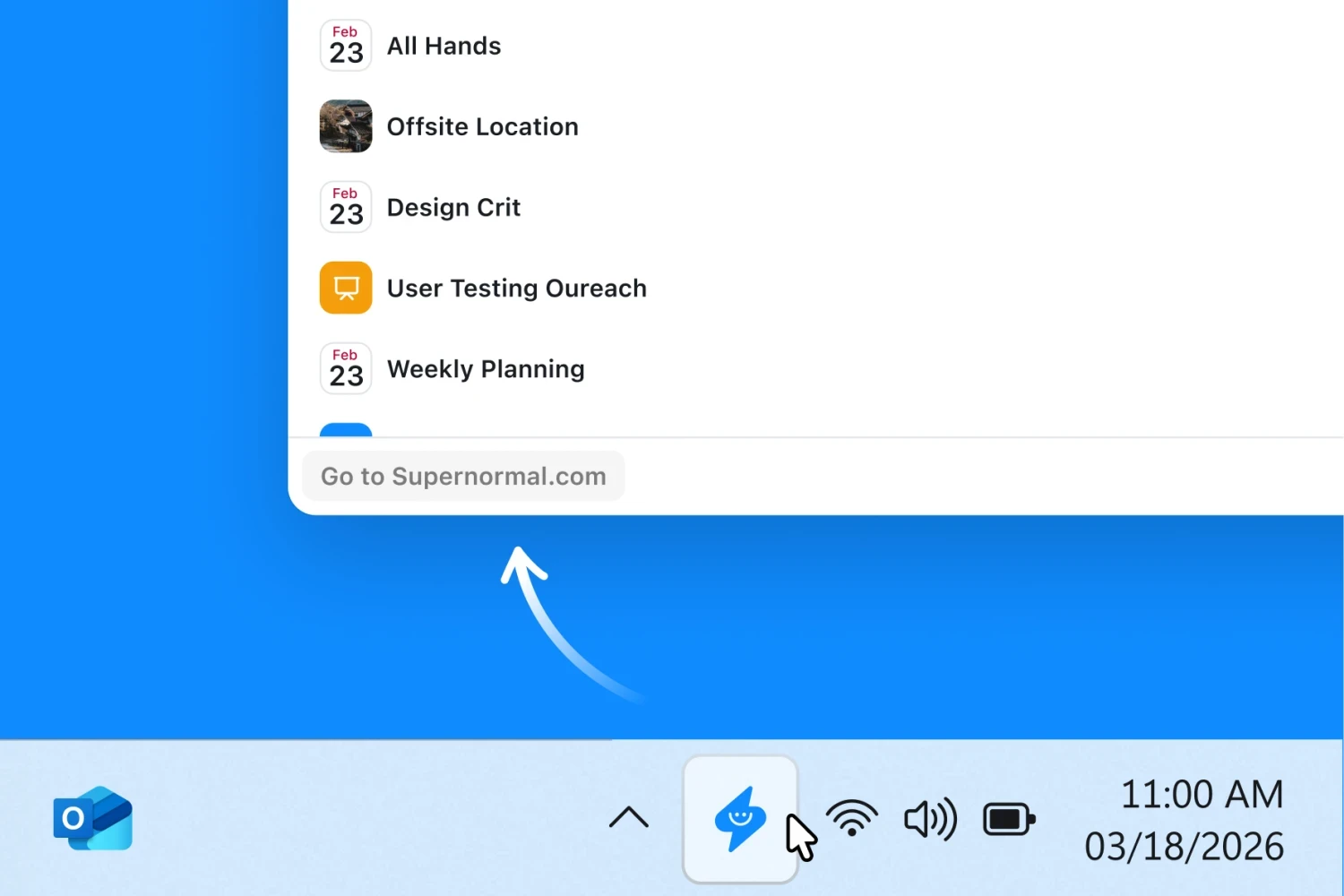
Step 3
Step 3
Open Supernormal from your Start menu or desktop
Your meetings are only the beginning
See how Supernormal’s notetaker transcribes and organizes your meetings, then explore how you can turn those conversations into documents, presentations, spreadsheets, and more.
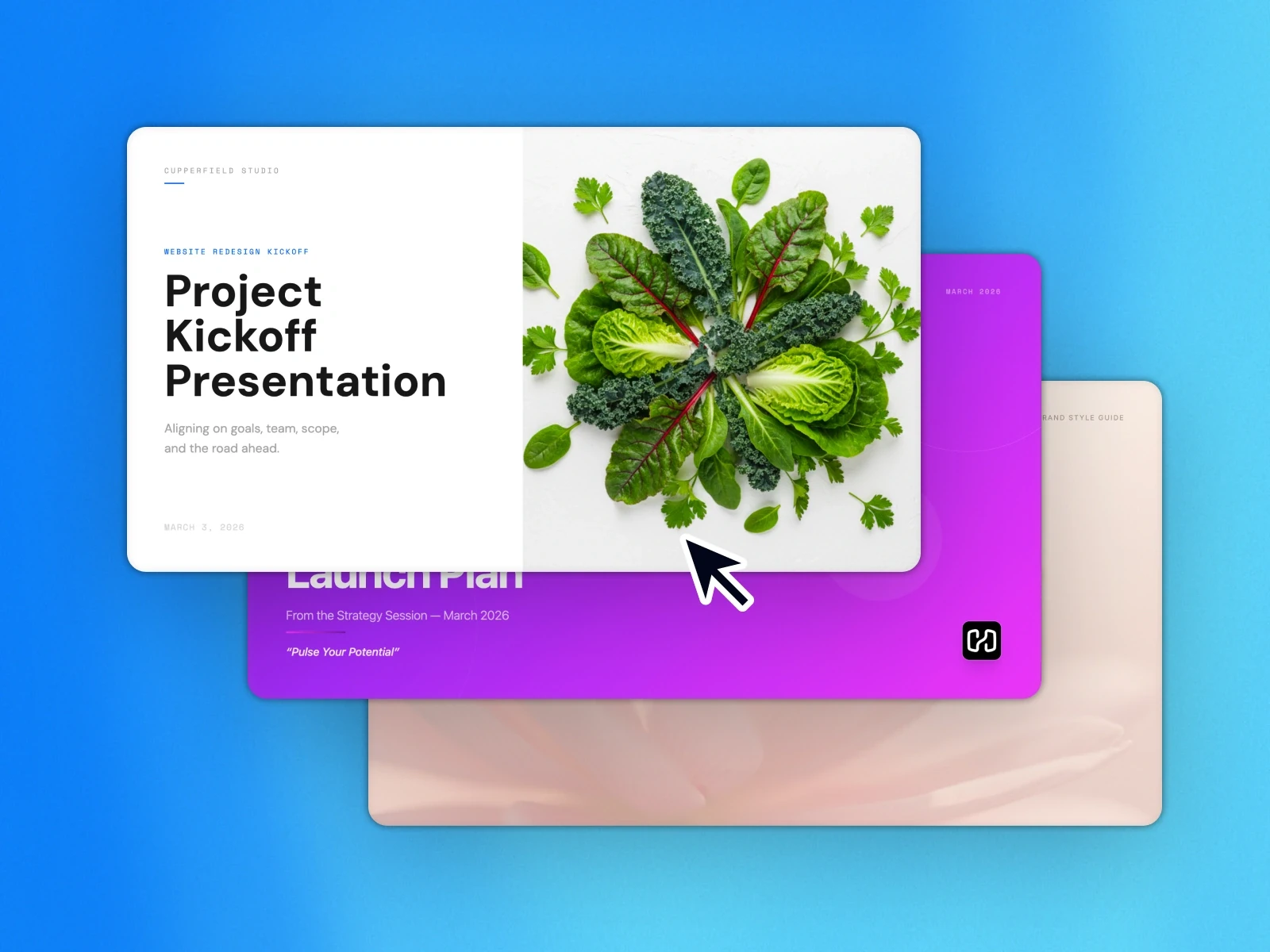
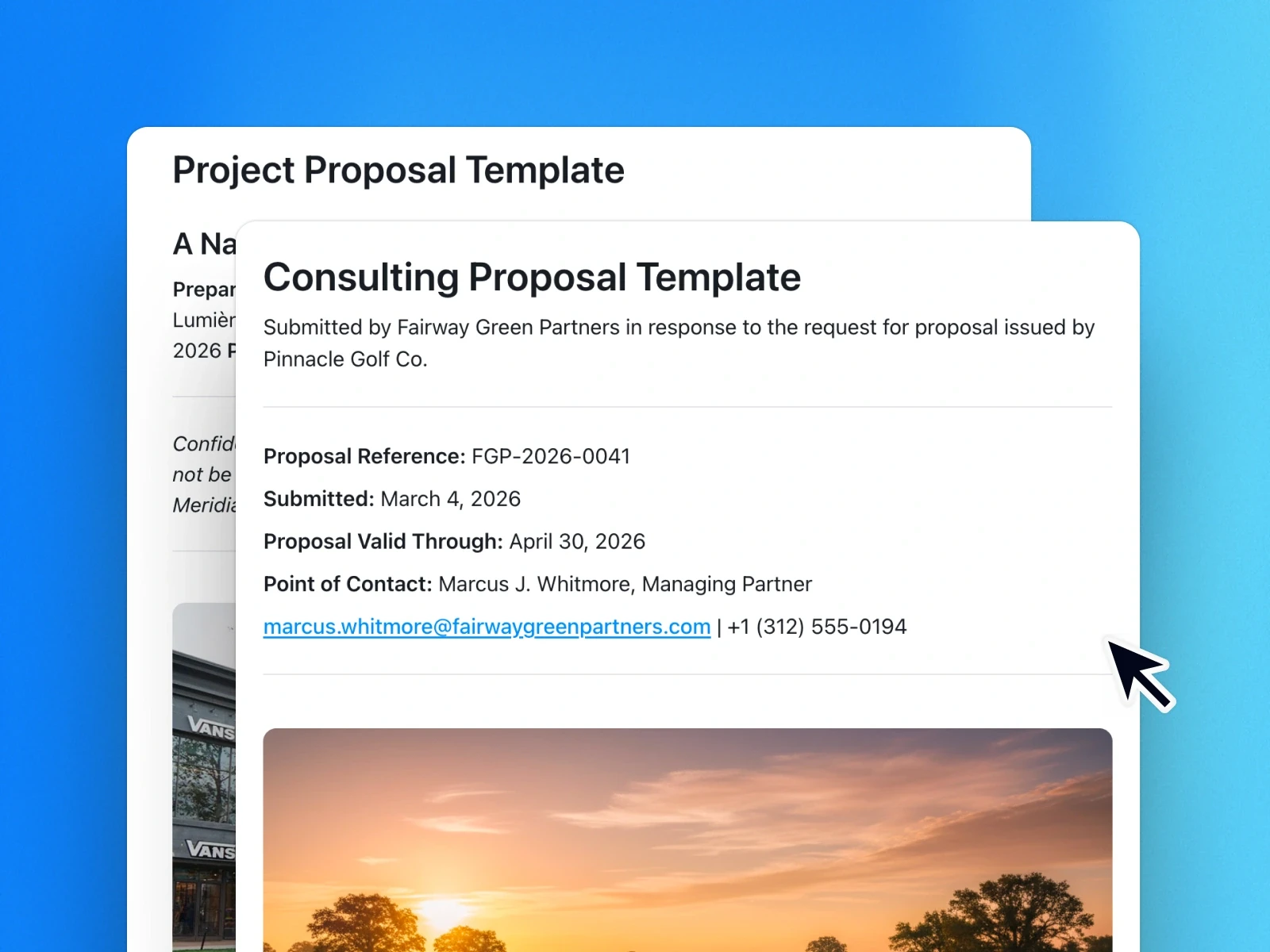
Pick a template, get a draft
Pick a template, get a draft
Pick a template, get a draft
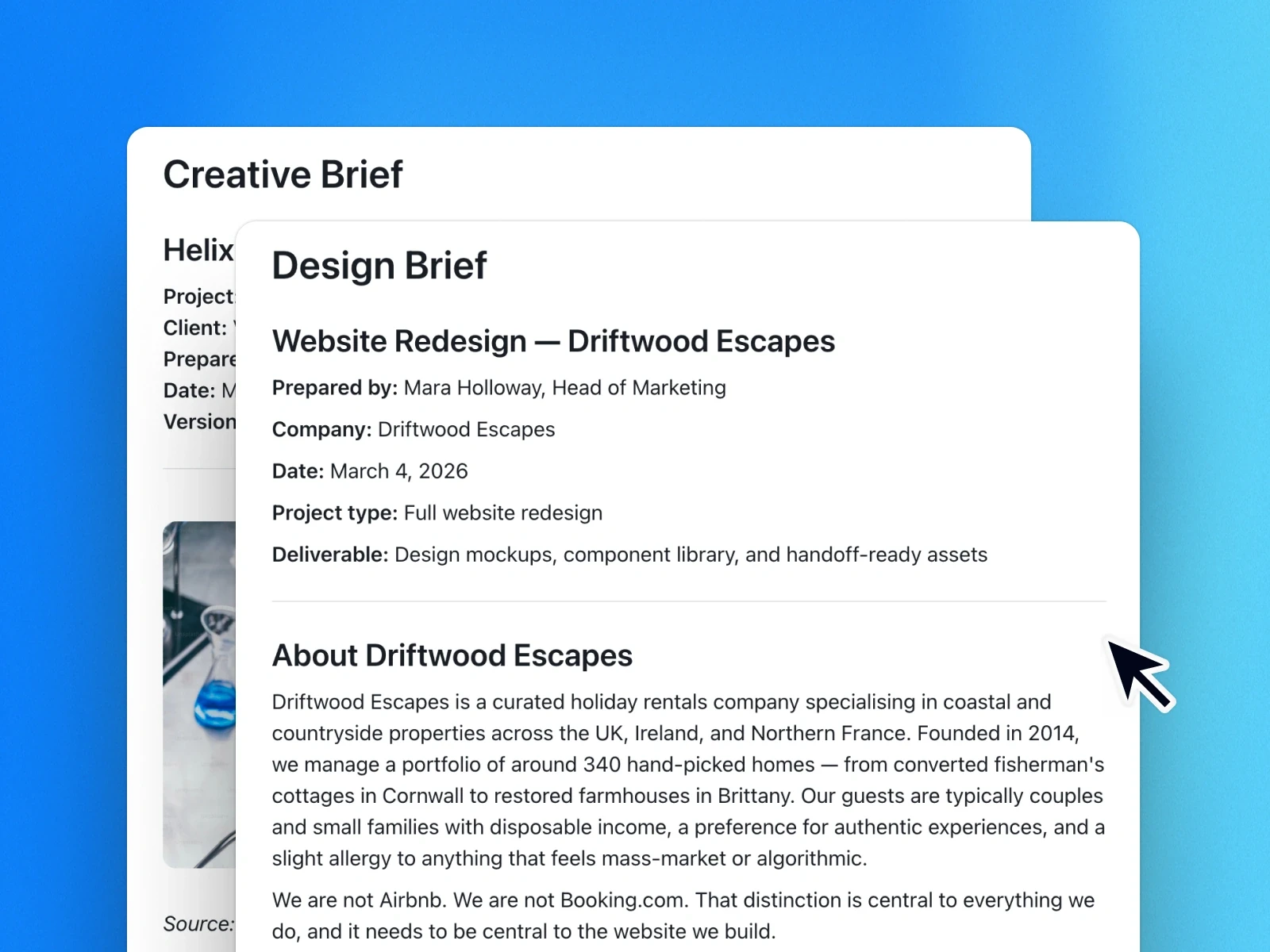
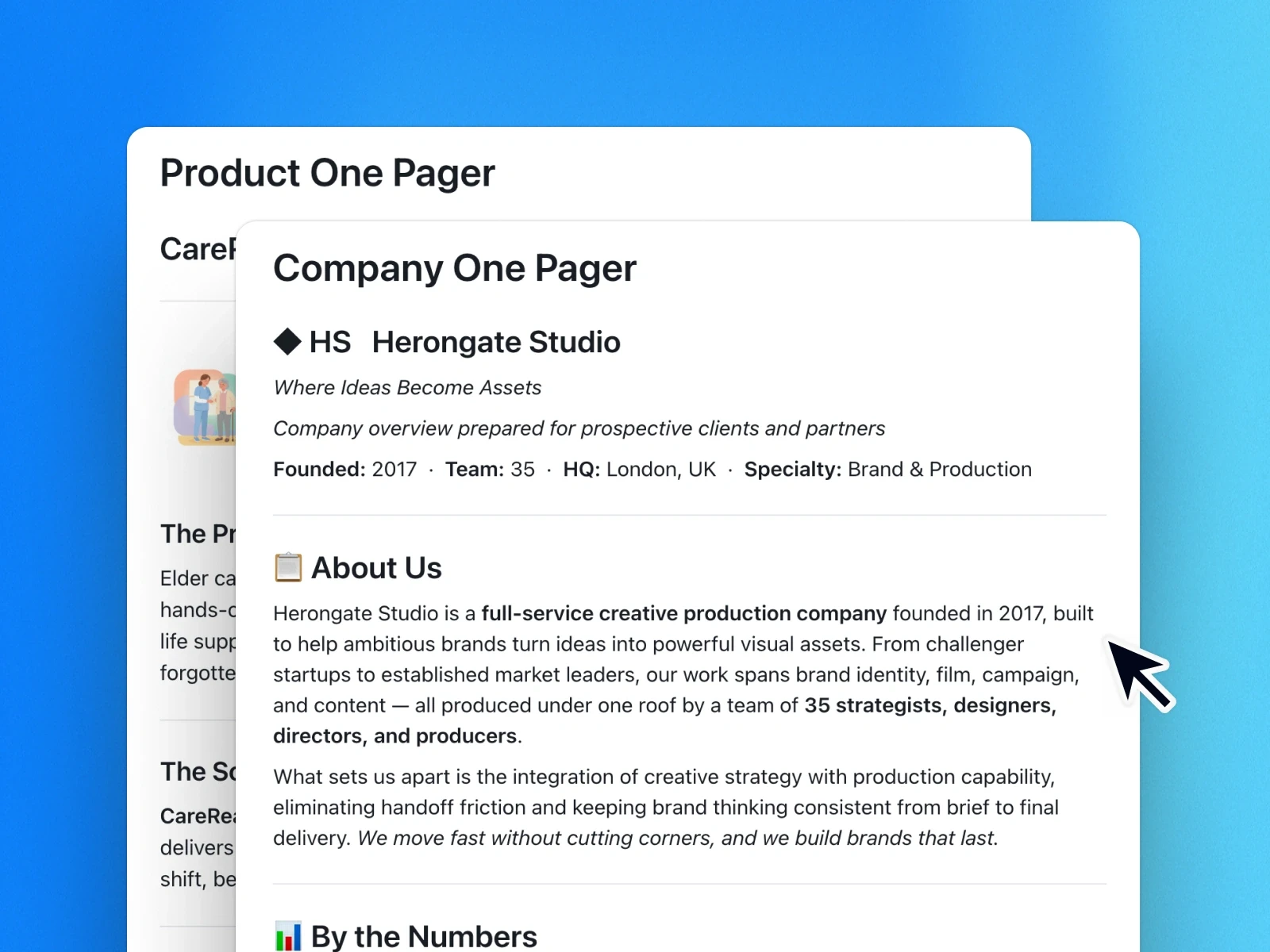
Explore templates that use your meeting notes to create pitch decks, creative briefs, documents, and more. Pull in emails or files whenever you need extra context.
Explore templates that use your meeting notes to create pitch decks, creative briefs, documents, and more. Pull in emails or files whenever you need extra context.


© 2026 Supernormal Technologies, Inc
© 2026 Supernormal Technologies, Inc
© 2026 Supernormal Technologies, Inc