


How can you tell which AI tools will deliver value inside real, mission-critical workflows? If you are looking for real, practical advice on AI tools that streamline your team’s input and help you realize the value AI can offer, this guide will be useful.
It points to where AI delivers the most value in day-to-day operations. You’ll also see which tools deliver the kind of needle-moving efficiency you need, and get a four-question framework to help you pick the right tools for your business stack.
Where the best AI tools for businesses deliver the most value
AI delivers the most value when it is applied to work that happens daily and quietly consumes time across teams. Instead of focusing on experimental use cases, the most effective AI tools reduce manual effort, improve clarity, and support coordination at scale.
The following areas represent where AI is delivering the most consistent and measurable value for B2B teams today.
AI for project work and client deliverables
Beyond communication and collaboration tools, AI is starting to handle complete work deliverables. For knowledge workers, this means tools that can draft follow-up emails, create presentations, synthesize research, or build spreadsheets without extensive prompting or manual context-sharing.
Tools like Lindy and Supernormal represent different approaches to this challenge. Lindy positions itself as a platform for building "AI employees", agents you can create and customize for specific workflows. Supernormal takes a different path by automatically capturing context from meetings, emails, and documents, then using that context to feed pre-built AI agents that generate deliverables already tailored to specific projects and stakeholders. The benefit is speed: work that typically requires hours of drafting can be completed in minutes of review and refinement.
The role of meeting context
Meeting context has emerged as a key differentiator for AI work tools. Rather than requiring users to manually copy transcripts or re-explain project background, some tools capture this information automatically. Supernormal's desktop app, for example, records meeting audio directly from your computer without joining as a participant. This bot-free approach eliminates distracting join notifications during calls. The captured context then informs the AI agents when generating deliverables, reducing the gap between what was discussed and what gets created.
Supernormal uses bot-free meeting capture to fuel AI agents that complete project deliverables
Beyond basic meeting transcription, Supernormal transforms captured conversations into work outputs. Capturing via the Desktop App using system audio, rather than joining meetings as a bot, it captures audio without appearing as a participant. After a call, users can ask Supernormal to draft the follow-up email, create a pitch deck incorporating discussion points, or synthesize research findings — all without manually copying transcript snippets or re-explaining project background.
The workflow relies on persistent context. Unlike generic AI tools that start fresh with each request, Supernormal maintains awareness of past meetings, email threads, and documents across projects. This means asking for "the Q2 proposal for Acme Corp" generates output that already references the January kickoff meeting, the client's stated budget constraints, and their preferred timeline without prompting.
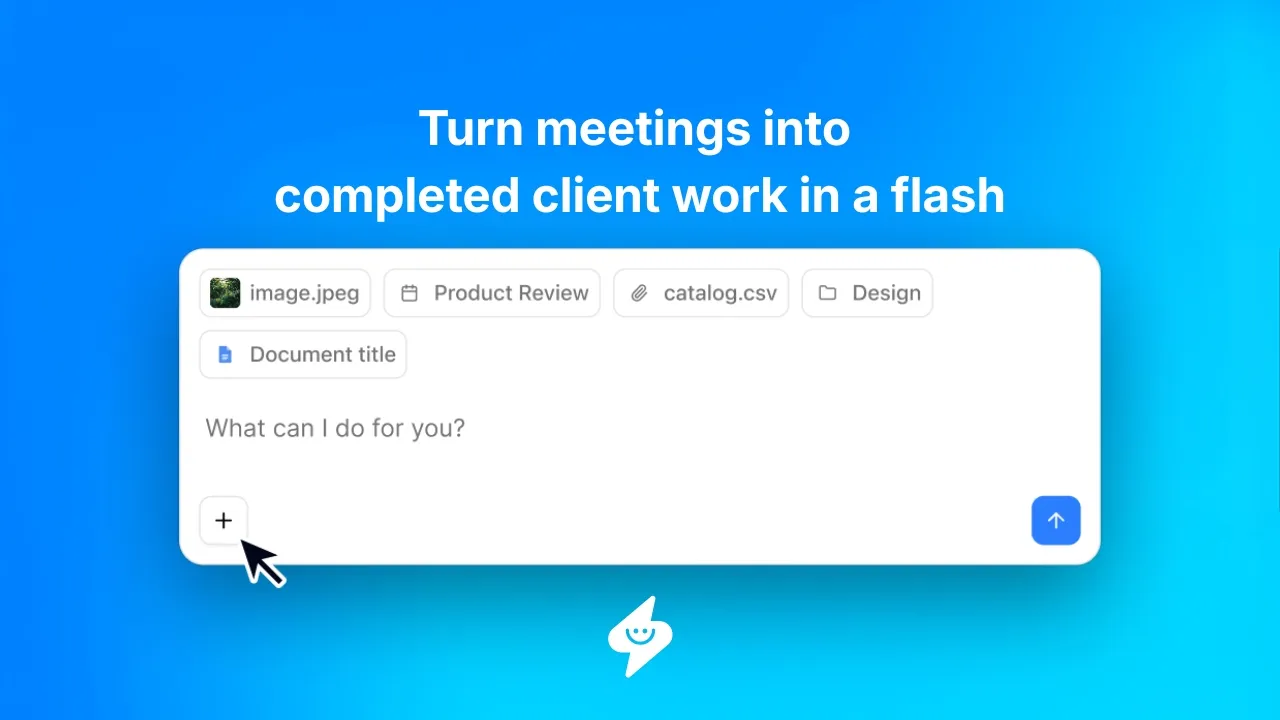
And to make taking action simpler, Supernormal Desktop App workflow integrates with a suite of integrations you already use:
Meet in Zoom, Google Meet, Digital Samba, Slack Huddles and Microsoft Teams
The Desktop App records audio directly from your computer across all video conferencing platforms. This bot-free capture means no join notifications during calls, so meetings stay focused and distraction-free while Supernormal captures everything in the background as context for its AI agents.
Collaborate and communicate in Slack and Gmail
Pull context from Slack conversations and email threads to inform AI-generated deliverables, then deliver outputs directly where teams already work. This keeps project context connected and reduces time spent copying information between tools.
Manage projects in Asana, ClickUp, Linear, Monday.com, and Trello
Turn meeting decisions and next steps into structured tasks inside project management tools. This allows teams to move from discussion to execution without manually recreating work after meetings.
Store docs and knowledge in Notion, Google Docs, and Google Sheets
Add meeting summaries and key insights directly into documentation tools. This helps teams preserve context, keep knowledge up to date, and avoid rewriting information after every meeting.
Manage customer conversations in HubSpot, Salesforce, and Pipedrive
Capture customer conversations and surface relevant notes and follow-ups inside CRM systems. This keeps records accurate and up to date without requiring manual data entry from sales or customer-facing teams.
Connect to databases and build workflows in Airtable
Structure meeting outputs so they can be stored, routed, or reused in databases and workflows. This allows teams to treat conversations as operational inputs that support reporting, automation, and internal processes.
Scaling with Supernormal means work gets done faster, teams spend time reviewing outputs instead of creating them from scratch, with meeting context automatically feeding smarter AI agents.
Lindy lets teams build and manage custom AI employees for repetitive business tasks
Ask almost any knowledge worker what they most want out of an AI assistant, and you’ll probably hear about the need for a simpler way to get work done. Between email and any project management, CRM, CMS, or other applications, keeping up and staying ahead is often something most people either struggle with or leave for a Saturday or Sunday.
Lindy was built to give back your time by filtering through your email, tasks, and a suite of integrated applications like Slack, Google Workspace, and HubSpot. It uses iMessage to send proactive texts about what’s on your agenda for the day, and you can give it instructions to complete tasks too.
AI for onboarding and training
Onboarding and training are critical to effective company growth, yet they often become time-consuming and inefficient as organizations expand. Instead of repeating the same sessions across teams and locations, businesses are increasingly using AI training videos to deliver consistent, engaging onboarding and upskilling content on demand. This allows HR and team leads to standardize knowledge transfer, personalize training by role or region, and reduce the ongoing time investment required to bring new hires up to speed. AI tools like D-ID provide this ability.
AI for workflow automation and internal operations
As teams grow, operational complexity increases. Processes that once lived in people’s heads or spreadsheets begin to break down. AI is helping teams automate the connective tissue between systems and reduce operational drag. That’s where tools like Zapier and Make have evolved. They already worked efficiently, and new AI capabilities make them seem far more capable than ever.
Zapier AI agents automate work between the tools You already use
Zapier connects the tools your team already uses and automates the work that normally happens between them. Its AI helps trigger actions based on events, such as creating tasks, syncing data, or sending notifications, without requiring manual steps.
Zapier integrates with thousands of applications, allowing information to move automatically across systems. Updates in one tool can reliably trigger actions in another, keeping workflows consistent as volume increases.
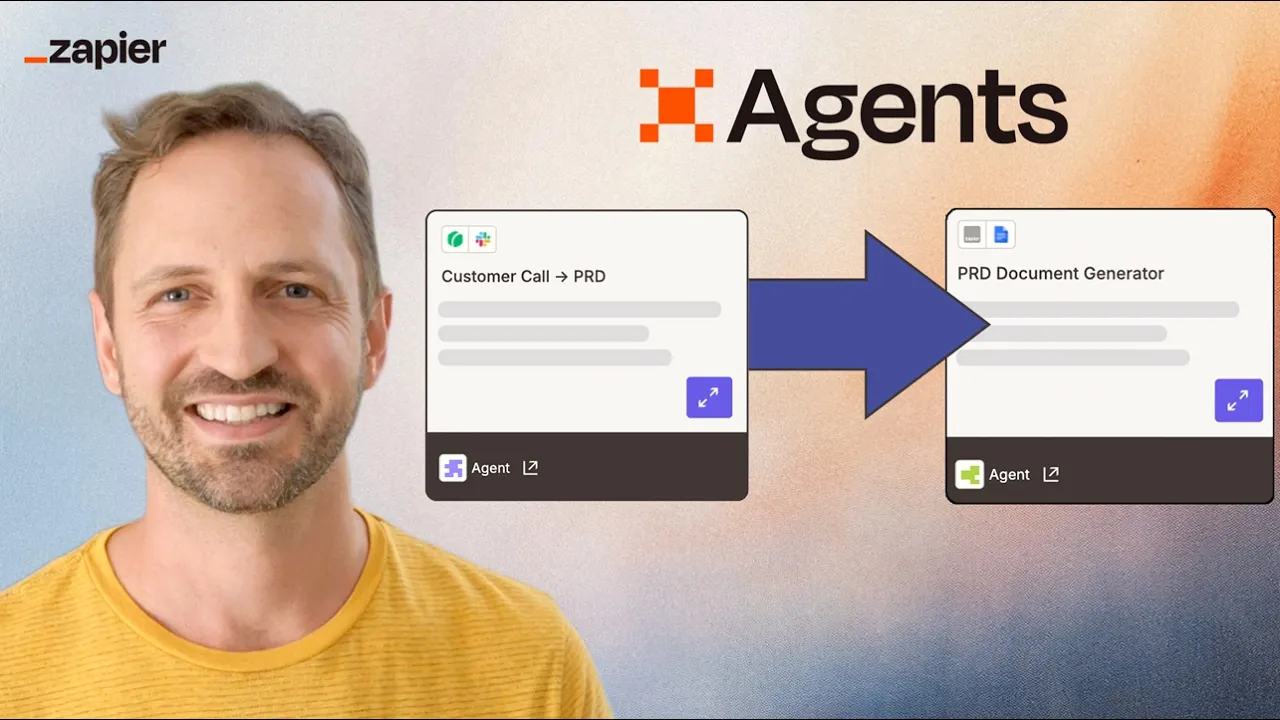
Growing your team with Zapier provides operational consistency. Workflows continue running in the background, helping teams maintain speed without adding coordination or headcount.
Make AI manages complex workflows without manual oversight
Make automates more complex workflows that require logic, conditions, and multi-step processes. It allows teams to design flows that adapt based on inputs rather than following a single linear path.
Make integrates with business tools to route requests, transform data, and trigger actions across systems. Workflows can branch based on priority, status, or data conditions, allowing teams to handle complexity without human intervention at each step.
As your team scales, Make helps manage operational complexity without increasing oversight. Once workflows are in place, they run predictably, reducing exceptions and manual follow-ups as systems grow.
AI for content and knowledge management
Most organizations generate large amounts of knowledge through meetings, documentation, and internal discussions. The challenge is not creation, but capture and reuse.
Notion AI keeps internal knowledge usable as teams grow
Notion AI helps teams turn everyday work into usable documentation. It generates summaries, drafts internal content, and refines existing documents so information stays current without constant manual effort.
Because Notion AI works inside documents, databases, and project spaces, teams can capture knowledge as work happens. Information remains connected and accessible without requiring duplicate effort.
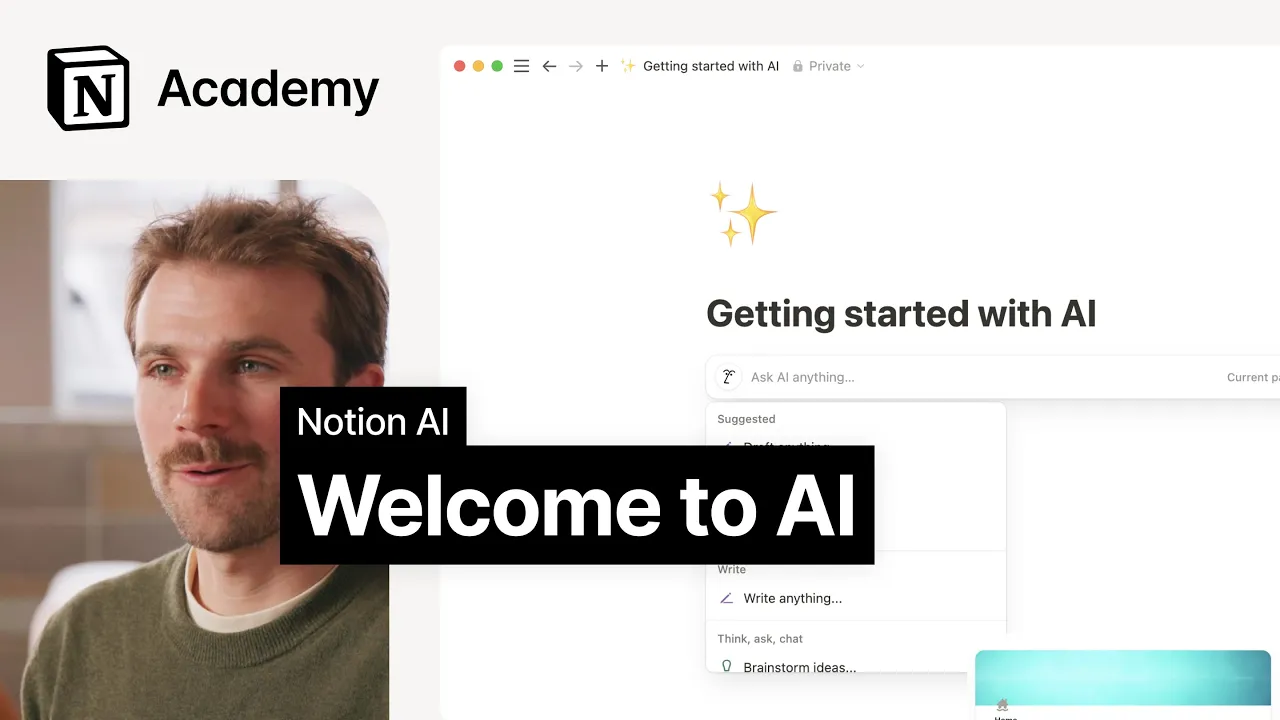
Notion AI helps prevent knowledge decay at scale. As teams and projects multiply, information remains usable without relying on individual memory or repeated explanations.
Guru AI delivers the right information at the right moment
Guru surfaces accurate information where teams are already working. Its AI delivers answers inside tools like browsers and Slack, removing the need to search through documents or interrupt colleagues.
Guru integrates with existing systems to pull verified information into daily workflows. When team members need guidance, answers appear in context, helping them act quickly and consistently.
Guru reduces friction caused by knowledge gaps in growing organizations. Teams spend less time searching and more time executing, supporting faster onboarding and alignment.
As teams scale, internal data becomes harder to track, interpret, and reuse across departments. AI-driven data discovery platforms like Secoda help organizations centralize analytics knowledge, document metrics, and surface trusted information without manual digging. This approach is increasingly used by growing video platforms — including Uscreen — to keep internal reporting and decision-making aligned as operational complexity increases.
AI for project and delivery management
As project volume increases, visibility often decreases. AI is helping teams maintain momentum by automating updates and surfacing risks earlier.
Asana Intelligence makes project risk and progress visible earlier
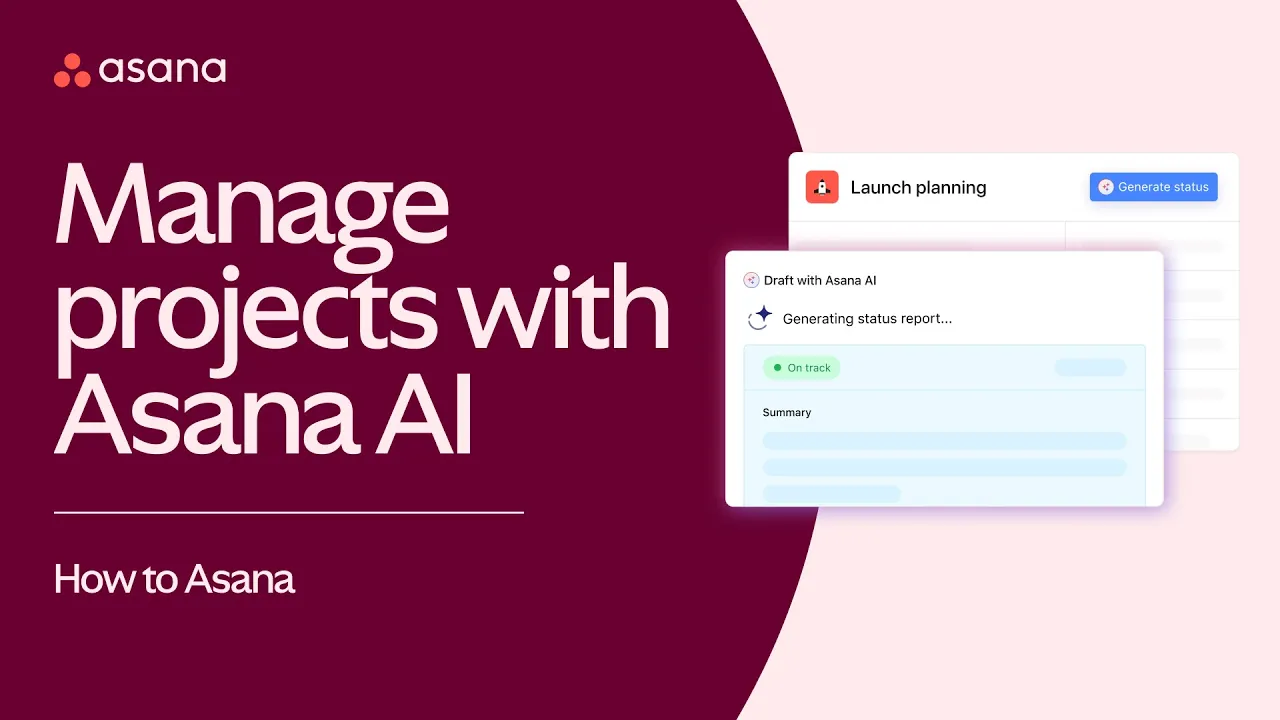
Asana Intelligence analyzes project activity to surface risks, dependencies, and workload issues. It generates summaries that help teams understand what is happening without manual reporting.
These insights appear directly inside Asana, allowing teams to act within existing project views. Teams gain earlier visibility into issues without relying on frequent status meetings.
At scale, Asana Intelligence supports proactive execution. Teams can adjust before timelines slip, reducing reactive coordination and last-minute pressure.
ClickUp AI reduces admin work that slows execution
ClickUp AI automates the administrative work that accumulates as projects grow. It generates task descriptions, summarizes activity, and drafts updates based on what is already happening.

Because these features are embedded directly into ClickUp workflows, teams benefit without changing how they work. Project spaces stay organized without constant manual upkeep.
ClickUp AI helps maintain momentum as your business grows. Teams spend less time managing tools and more time delivering outcomes as work increases.
Supergrow for personal branding and social presence
As businesses scale, founders, leaders, and go-to-market teams increasingly rely on personal brand visibility to build trust, credibility, and inbound demand. Maintaining that presence, however, often becomes inconsistent as priorities shift and workloads increase.
Supergrow applies AI to the everyday work of LinkedIn content creation and distribution. It helps professionals turn ideas, experiences, and insights into regular, high-quality posts without adding daily overhead. By supporting ideation, writing, carousel creation, scheduling, and engagement in one LinkedIn-first workspace, Supergrow reduces the manual effort typically required to stay visible on the platform.
Instead of treating social presence as a separate or reactive task, Supergrow fits into existing workflows. Teams and individuals can plan content ahead of time, schedule posts and follow-up comments, and engage consistently with their audience—without relying on risky automation or generic AI output. Over time, this creates a more predictable system for maintaining visibility, nurturing relationships, and supporting long-term brand growth on LinkedIn. As AI-driven search increasingly surfaces LinkedIn content, optimising posts for AI search engines becomes a way to drive additional inbound demand.
How to choose the right AI tools for your business stack
There is a world of AI tools available today, but selection matters more than adoption. The most effective AI tools for businesses share a few defining traits.
They remove work rather than create new processes
The best AI tools eliminate steps teams previously handled manually. Automatically capturing outcomes removes the need for note-taking, follow-up emails, and task recreation, leading to immediate and sustained time savings.
They integrate into existing workflows instead of replacing them
AI delivers the most value when it fits into tools teams already use. Delivering outputs directly into Slack, project management platforms, or documentation tools avoids forcing behavior change and lowers adoption friction.
They work quietly without increasing coordination overhead
Effective AI tools operate in the background. Automated summaries, task creation, and data syncing reduce the need for additional meetings, updates, or check-ins.
They improve clarity, accountability, and execution
By clearly surfacing decisions, owners, and next steps, AI reduces ambiguity and helps teams move forward faster, especially as organizations grow.
While the list of common characteristics for choosing the right AI tools is clear enough, the other side of the spectrum can be far murkier, especially when teams are forced to make hasty decisions under pressure.
For example, if a tool requires significant behavior change or adds another layer of management, it is unlikely to deliver long-term time savings. Behavior change is difficult to implement at scale, and additional oversight increases workload for already resource-constrained teams.
AI as a scalability multiplier
The most compelling reason to invest in AI is not speed for its own sake. It is the ability to scale without introducing strain into the organization.
As your team grows, the challenge shifts from execution to coordination. Meetings increase, projects overlap, and knowledge fragments. The friction that slows teams down is less about effort and more about maintaining clarity, alignment, and momentum as complexity compounds.
The AI tools that matter absorb complexity. They turn conversations into usable outputs, automate the connections between systems, preserve context over time, and reduce the coordination overhead that typically comes with growth. AI can even help at the earliest stages of a project: platforms such as Ultahost use AI to suggest relevant domain names based on brand ideas, keywords, and market positioning, helping teams move seamlessly from concept to launch. Instead of pushing teams to work faster, they quietly extend what teams are already capable of.
This is where AI becomes a true scalability multiplier. When tools integrate into existing workflows, remove manual effort, and operate in the background, they allow organizations to grow output and execution without growing friction, overhead, or headcount. As AI adoption expands across teams, many businesses also need to rethink how they charge for these capabilities so pricing reflects real usage and value. Choosing the right AI pricing models helps companies scale responsibly without locking themselves into rigid cost structures.