
Ask an account manager about the weekly client report and you'll get a sigh. It eats an afternoon, and you're never quite sure the client reads it.
Part of the problem is what goes in them. Most reports answer activity: here's everything we did this week. That's not what the client is scanning for. They want to know one thing, are we on track and is there anything I need to worry about, and if the report doesn't answer that in the first few lines, it gets skimmed and filed.
So the report does two jobs badly at once. Too long for the client to read, too much work for you to write. Both get better with the same move: write for reassurance and decisions, keep it to a page, and stop building it from scratch every week. Most of the update already exists in the check-in you just had.
What a weekly client status report is for
A status report isn't a work log. The client isn't grading your effort, they're managing risk on their side. The job of the report is to tell them where things stand, flag anything that needs them, and let them get back to their day reassured.
Use that as the test for every line: does this help the client make a decision or feel confident? If not, it belongs in your internal notes, not the report.
What to put in it, and what to cut
A version that does the job, top to bottom:
Status at a glance: green, amber, or red, in one line
What moved this week
What's at risk, and what you're doing about it
What you need from the client, with a date
What's next
Cut the play-by-play, the vanity metrics, and anything the client can't act on. If a number needs a paragraph to explain, either add the one line of context that makes it mean something or leave it out. Raw figures with no read just make the client do the analysis, and they'll often get it wrong.
Email, doc, or deck
The format matters less than whether the report answers the question, but it's worth matching it to the situation. For most weekly updates, an email is the right call. It's the lowest friction to write, it gets read in the inbox where the client already lives, and it's easy to reply to. That's your default.
Move to a shared doc or page when there's more detail to house, or when a few people on the client side dip in across the week and you want one link that stays current. Save slides for the bigger moments, a monthly or quarterly review, or a walk-through with senior client-side people. A deck for a routine weekly update is usually more work for you and more to wade through for them.
Whatever you pick, keep it consistent, and you stop deciding the format every week.
Client-facing and internal are two different reports
The delivery tracker your team runs on is not the client's report. Forwarding it feels like one less thing to write, but it buries the answer the client wants under task-level noise.
Keep two versions. The internal one tracks the work, close to how you manage the project day to day. The client one answers are we on track and do you need to do anything. Send the second.
How to report slow weeks and invisible work
The hardest weeks to report are the ones where nothing visible shipped. Backend work, research, waiting on a third party, a big task that's only half done. The instinct is to pad the report or go quiet, and both cost you trust.
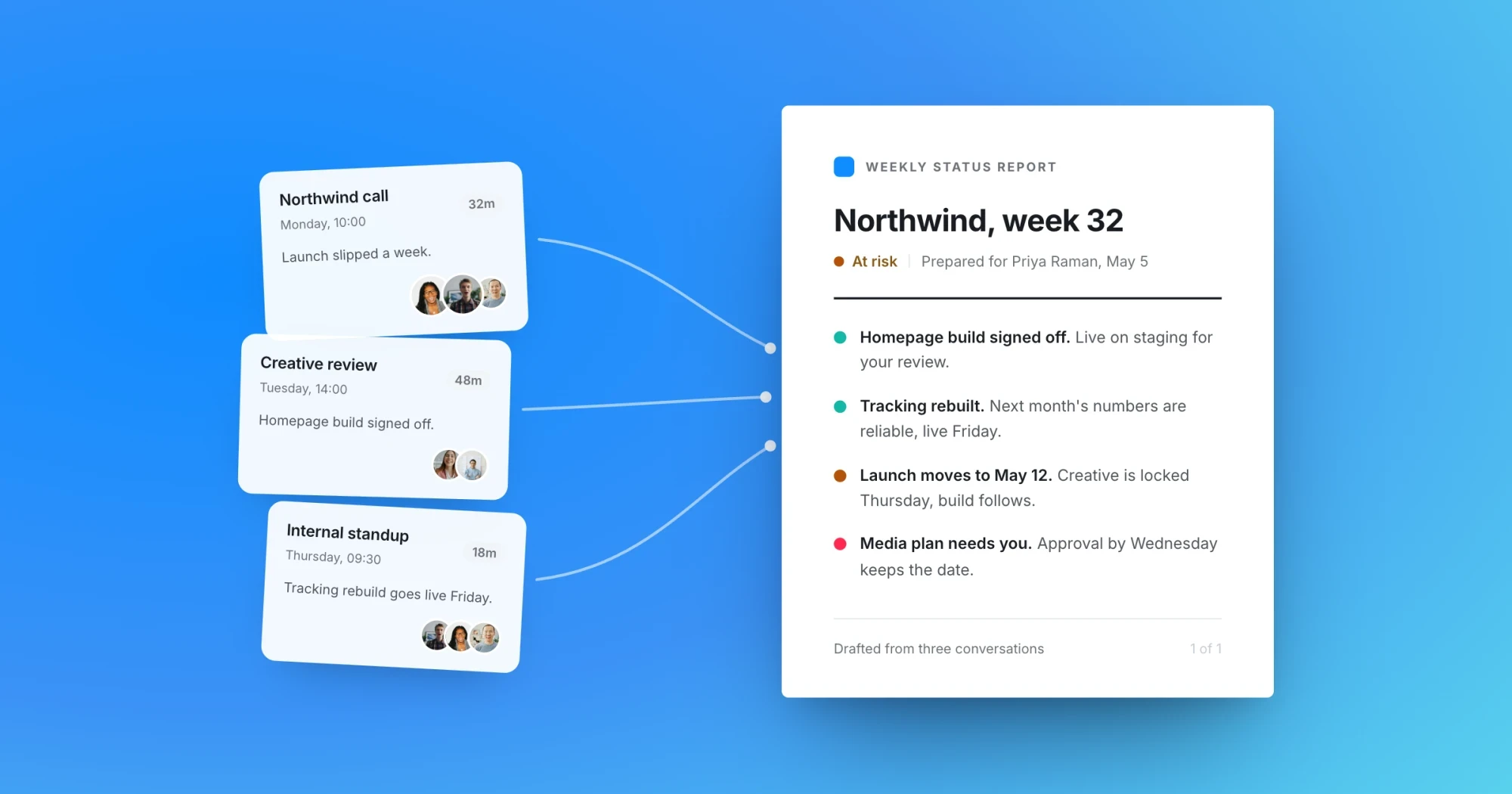
Report the invisible work as momentum. Name what's happening, why it matters to the outcome, and what it sets up next. "Spent the week on the data migration" means little to a client. "Rebuilt the tracking so next month's numbers are finally reliable, live Friday" tells them the same work is moving them somewhere.
When a task is genuinely mid-flight, say so and give the next checkpoint. A client can sit with slow progress if they can see it's still progress. What erodes confidence is silence, or a week of activity with no line on where it's heading.
How to deliver bad news in a weekly update
Don't bury a slip at the bottom or save it for the call. Put it near the top: what happened, what it affects, and what you're doing about it. A missed date with a clear plan reads as a team in control. The same date left to surface on its own reads as a team that got caught.
And don't try to spin it. Clients usually know when they're being managed, or they sense it, and the moment they do you lose more trust than the bad news would have cost you. If something's gone wrong, say what it was, be precise, and say how you'll put it right. If you don't know something yet, say you're looking into it, then go and do it. And skip the jargon and the distraction. Clients aren't dumb, and dressing up a thin week just invites the questions you were hoping to dodge, which leaves you more on the spot, not less.
How often to send them
Weekly is the default, and the cadence that's easiest to hold is the one tied to a recurring check-in you already run. Fast-moving projects or anxious clients might want more, a steady retainer might be fine with less. Set the rhythm at kickoff so it's an expectation, not a favour you're doing.
Write it from the meeting, not a blank page
Most of what belongs in the report was already said in the check-in. You just have to dig it back out and rewrite it, which is where the afternoon goes.
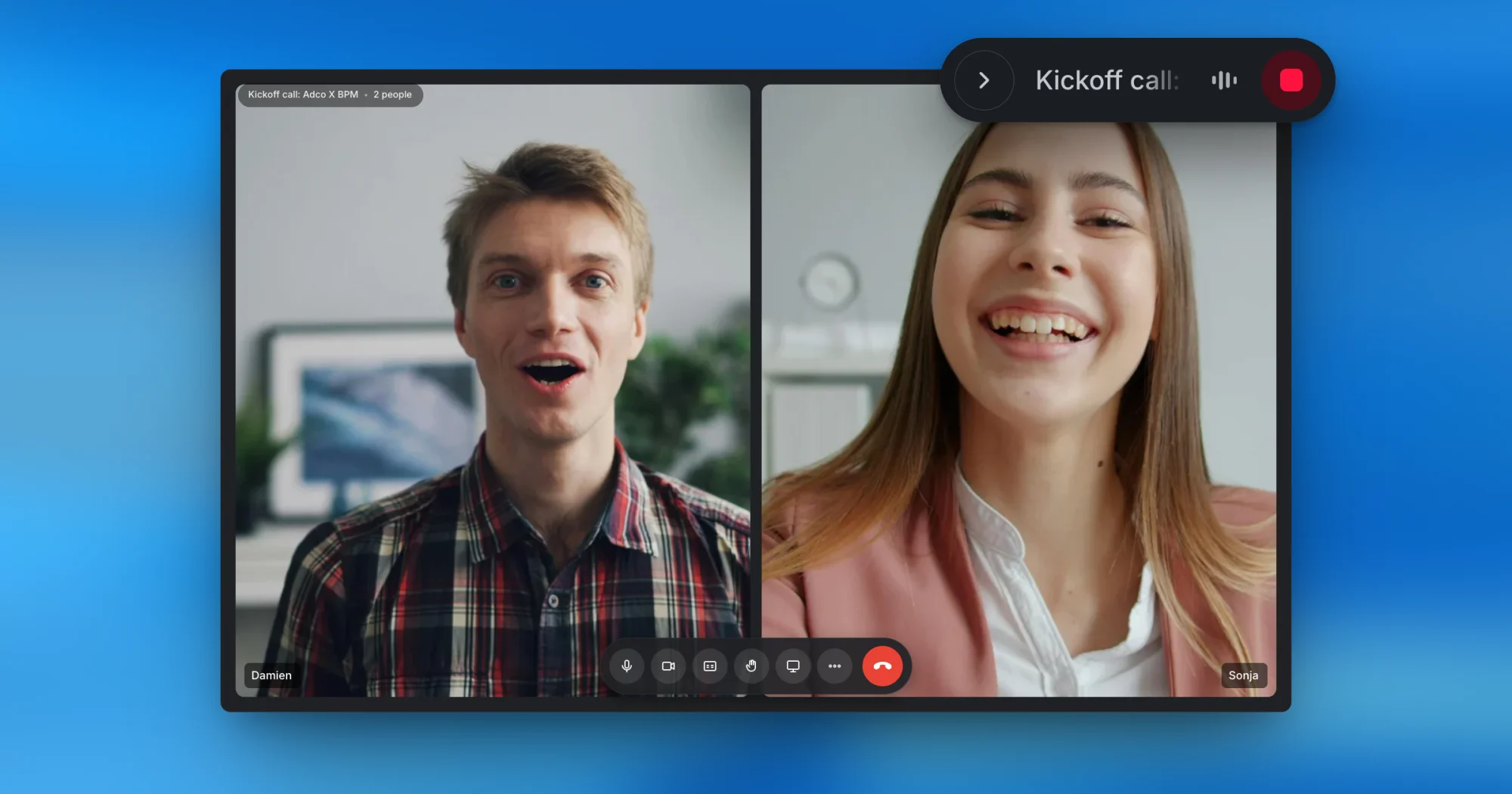
The Supernormal desktop app takes notes in the background of the call, no bot on the invite, then its AI agent turns that conversation plus your project context into a draft status update in your voice. You review it, sharpen the risk line, and send. The writing stops being a from-scratch job and becomes a quick edit of something that already knows what happened. It's the same idea behind turning any meeting into a ready-to-review report.
A one-page format you can reuse every week
Keep the same shape each week so the client learns where to look:
Green, amber, or red, with a one-line summary of where things stand
Moved this week: two to four bullets
At risk: the issue, and what you're doing about it
Needs you: the decision or input, with a date
Next: what's happening before the next update
Same skeleton every time, a few minutes to fill once the draft is in front of you.
The freelancer version
You don't need a deck. A five-line email does it: where things stand, what you did, what's next, anything you need from them, and when you'll check in again. Send it the same day each week. For a solo client relationship, showing up on schedule matters more than the format, and it's the cheapest way to look reliable.
Make it a habit worth keeping
A good status report answers the question the client is asking and takes you minutes, not an afternoon. Start from the meeting you already had, not a blank page. Try the Supernormal notetaker to turn a check-in into a draft you can send, and if the weekly update has become a fixture, it's worth writing the whole thing up as an SOP so anyone on the team can run it.